Install the extension
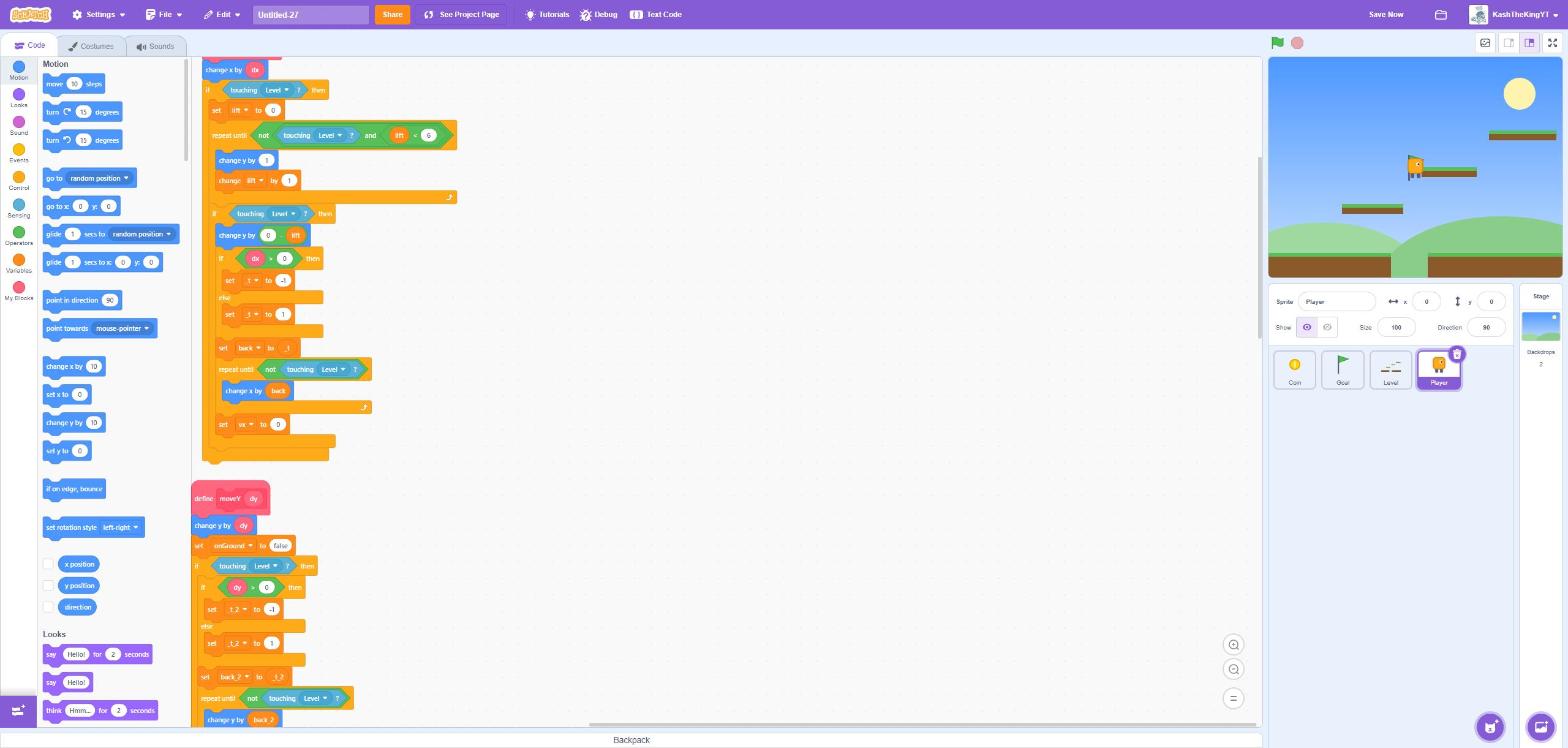
The extension adds a Text Code button to the Scratch editor (scratch.mit.edu and turbowarp.org).
Chrome, Edge, Brave and other Chromium browsers
1 Download texttoscratch-extension.zip and unzip it.
2 Open chrome://extensions and switch on Developer mode (top right).
3 Click Load unpacked and choose the unzipped folder (the one containing manifest.json).
4 Open any project in the Scratch editor. Text Code appears in the purple menu bar.
Firefox
Unzip the same download, open about:debugging#/runtime/this-firefox, click Load Temporary Add-on…, and pick its manifest.json.
Firefox removes temporary add-ons when it restarts.
No install? Use the web editor
The web editor is the same editor as a plain web page. Click Open .sb3, code, then Download .sb3 and load the file into Scratch with File → Load from your computer.
Your source files are stored inside the Scratch project (in a collapsed Stage comment). Saving the project in Scratch saves your code too, and opening it again brings the code back.