Real types
Checked by the actual TypeScript compiler. Misspell a costume, sprite or sound name and you get an error before anything runs.
Real Scratch
The output is an ordinary Scratch project made of ordinary blocks. Open it, play it, share it, remix it.
Code inside Scratch
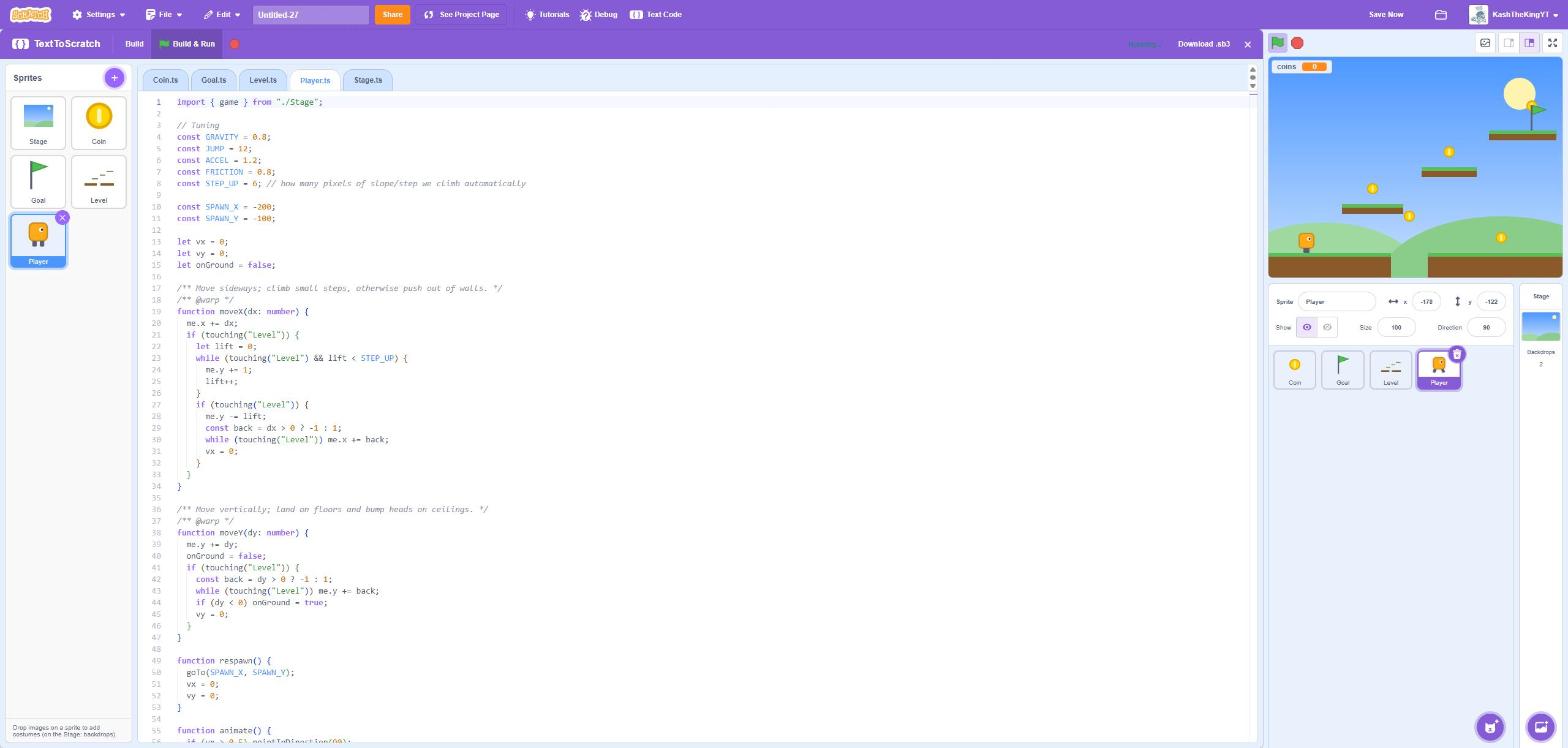
The browser extension adds a code editor right inside the Scratch editor. Draw in Scratch, code in text, press Build & Run.
A game engine
Physics, collisions, scrolling cameras, animations, classes, pen-drawn 3D and online multiplayer, built in. Everything you need to finish a game without a single drag and drop.
The editor lives inside Scratch
Your stage and sprites stay on the right. Your code goes where the blocks used to be.

Join the community
Share what you are building, get help when you are stuck, request features and play other people's games on the TextToScratch Discord.